


If other budget templates made you feel dumb, the template was the problem.
Real buyers of top budget templates write things like "Complicated to use or maybe I'm just dumb." In our count of 381 unhappy reviews of six of the most-reviewed Etsy budget templates, "too complicated" came up more than anything else.
A lot of budget tools are blank or bloated. Blank: you build it and fix the formulas when they break. Bloated: too many tabs, a long tutorial, a yearly fee, a bank login. Either way you end up doing the tool's job.
Why I made it
"There was a time when budgeting felt overwhelming, saving felt impossible, and I never quite felt like I had a clear picture of where my money was going. I wanted simple, beautiful tools that could help me take control of my finances without making budgeting feel complicated or discouraging—but I couldn't find exactly what I needed. So, I decided to create them myself."
Before building this sheet, I read what buyers of top-rated budget templates complained about: too complicated, broken formulas, 40-minute tutorials. The Grab-and-Go was built to avoid them.
Jason, Stacked Cents Co.
You don't need a bigger budget. You need three numbers.
What came in. What went out. What's left. The Summary tab shows all three in one place, plus how much of your income you've used so far.
White cells are yours. Green cells do the math.
-
Type what came in
Each paycheck and side income gets its own row on the Income tab, however often you're paid.
-
Type what went out
Add your bills with their due day, and log spending as it happens. Mark a bill paid and the rest show Due Soon, Overdue or Upcoming on their own.
-
See what's left
Money in, money out and money left fill in on the Summary tab.
-
Keep it up
Many people check in once a week, on payday or Sunday morning, and add that week's spending.
Own your budget. Don't rent it.
Many popular budgeting apps charge about $80 to $110 a year (September 2026), and some ask for your bank login. A $1 template costs you the building.
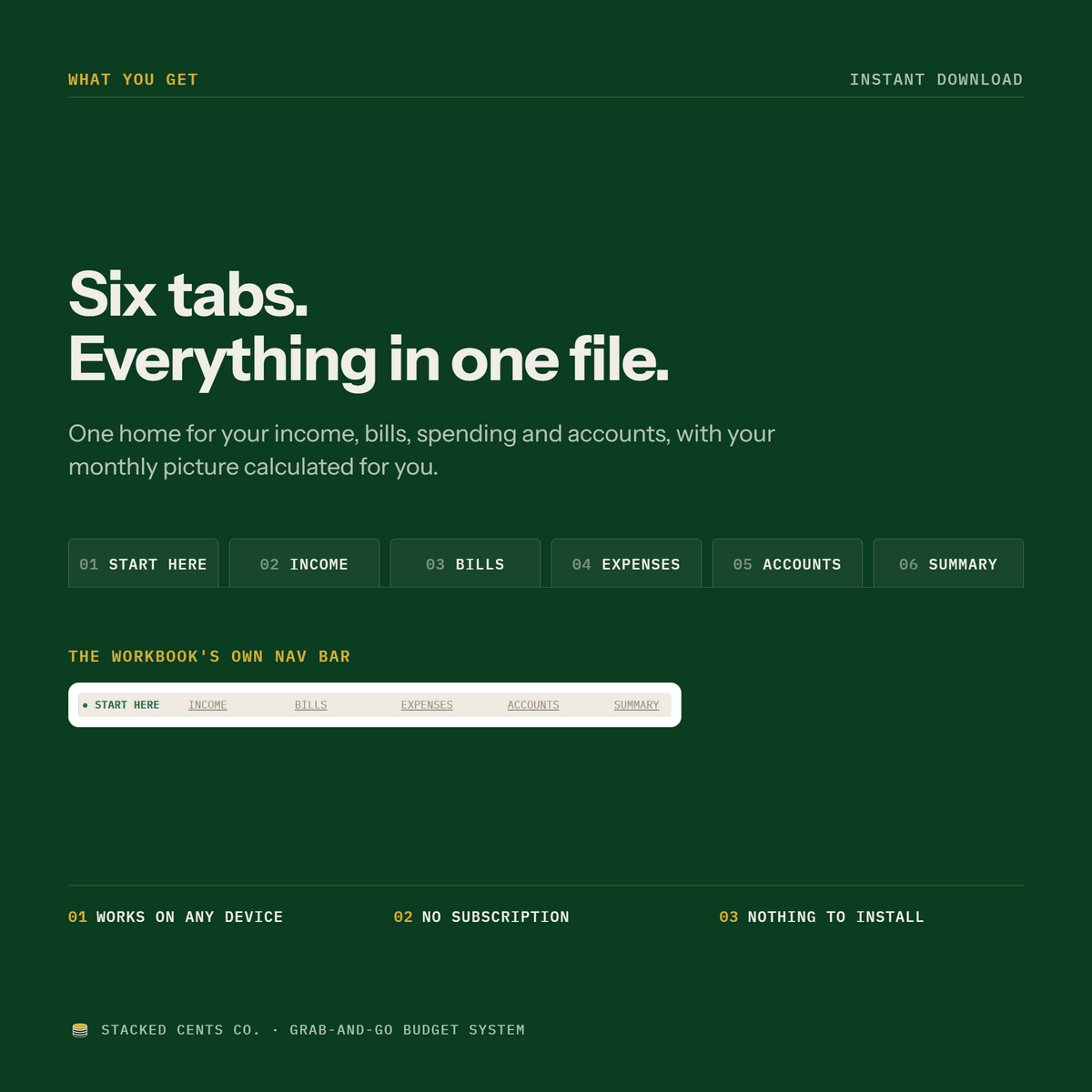
This is $11.99, once. It includes the Google Sheet with the formulas built in, a Start Here tab, a backup Excel copy, a real person who answers email within 1 to 2 business days, and 30 days to request a refund. No subscription, no bank login.
What to expect on day one
The first time I went from the PDF to my own copy, it took me under a minute. Replacing the sample month with my own numbers took me under 7 minutes. That was one try, and I built it, so give yourself a little longer.
We're a new one-person shop, so there are no reviews yet. That's why you have 30 days to request a refund.
If Google says a cell is protected: that's a green cell doing its job. The green cells hold the formulas, so you only type in the white ones. Nothing is broken.
Who it's for
You're paid regularly (weekly, every two weeks or monthly), have a handful of bills, and want one clear monthly picture. Juggling a paycheck plus side income works too.
Not for: debt-payoff plans, savings-goal tracking, investing, business bookkeeping, or an app that connects to your bank. It's a monthly personal budget.
Common questions
I clicked a cell and Google says it's protected. Did I break it?
No. The green cells hold the formulas and are protected on purpose. Type in the white cells and the green ones update.
I'm paid every two weeks. Does it still work?
Yes. Log each paycheck as its own row, and the monthly total adds up however often you're paid.
Can you see my numbers?
No. Your copy lives in your own Google Drive, and we don't have access to it.
Do I need a Google account?
A free one, to make your copy of the sheet. The Excel file works without one.
What if it isn't right for me?
Email us within 30 days of buying to request a refund.
I'm stuck. Who do I ask?
Email hello@stackedcentsco.com. We reply within 1 to 2 business days.
$11.99
Buy now